[1] TRUEIntro to
Web Scraping
Day 20
Prof Amanda Luby
Carleton College
Stat 220 - Winter 2026
Ways to access data from the web:
Web APIs (application programming interface): website offers a set of structured http requests that return JSON or XML files.
Screen scraping:
extract data from source code of website, with html parser (easy) or regular expression matching (less easy).
API vs Screen Scraping
API:
- Designed to be accessed by computers
- Often need to sign up for a key
- Structured set of requests, need to dig in to documentation to figure out how to access the data you need
- Often more natural structure for tidying
Screen scraping:
- Designed to be read by humans
- Can be restricted or rate-limited in terms of service
- Need to dig in to source code of the web page to figure out how to access the data that you need
Check the terms of use/service first!
Can you query this webpage?
Are there restrictions on the use of the data?
How many requests can you make per minute?
…and more…
Checking for permission to scrape
Use robotstxt::paths_allowed() to see if you can scrape the web page.
You can scrape Zillow
Hypertext Markup Language
Lots of data on the web is still available as HTML
It is structured (hierarchical / tree based), but it’s often not available in a form useful for analysis (flat / tidy).
HTML tags
HTML uses tags to describe different aspects of document content
| Tag | Example |
|---|---|
| heading | <h1>My Title</h1> |
| paragraph | <p>A paragraph of content...</p> |
| table | <table> ... </table> |
| anchor (with attribute) | <a href="http://www.mysite.net">click here for link</a> |
{rvest}

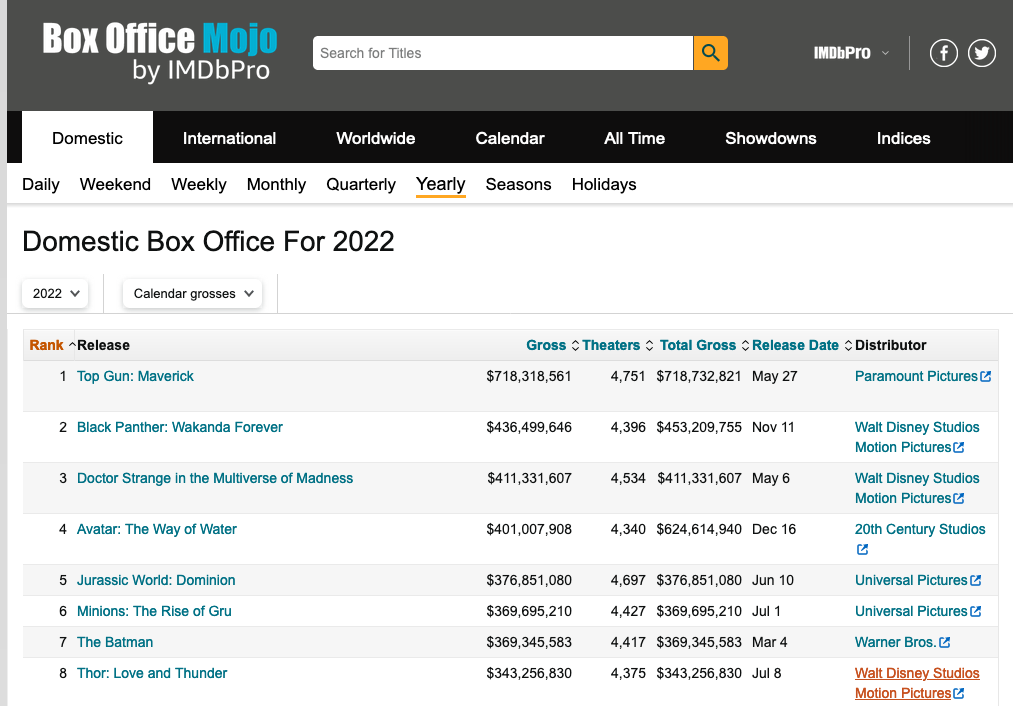
Example: box office mojo
https://www.boxofficemojo.com/year/2024/
-
Take a look at the web page and the html source code
Chrome or Firefox: right click -> View page source
Look for the
"table"div ID or tag
Read HTML into R
{html_document}
<html class="a-no-js" data-19ax5a9jf="dingo">
[1] <head>\n<meta http-equiv="Content-Type" content="text/html; charset=UTF-8 ...
[2] <body id="body" class="mojo-page-id-yld a-m-us a-aui_72554-c a-aui_killsw ...List of 2
$ node:<externalptr>
$ doc :<externalptr>
- attr(*, "class")= chr [1:2] "xml_document" "xml_node"HTML elements
There are over 100 HTML elements:
- Every HTML page must be in an
<html>element, and it must have two children:<head>and<body> - Block tags like
<h1>,<p>,<ol>form the structure of the page - Inline tags like
<b>,<i>, and<a>format text inside block tags
We’ll often work with tables. HTML tables are composed of four main elements <table>, <tr> (table row), <th> (table heading), and <td> (table data).
Extract tables
Use html_element() or html_elements() to extract pieces out of HTML documents
Check that it’s the right table
It looks promising!
{xml_nodeset (1)}
[1] <table class="a-bordered a-horizontal-stripes a-size-base a-span12 mojo-b ...
But we don’t have a data frame yet…
{html_node}
<table class="a-bordered a-horizontal-stripes a-size-base a-span12 mojo-body-table mojo-table-annotated mojo-body-table-compact">
 [1] <tr>\n<th class="a-text-right mojo-field-type-rank mojo-sort-column mojo ...
 [2] <tr>\n<td class="a-text-right mojo-header-column mojo-truncate mojo-fiel ...
 [3] <tr>\n<td class="a-text-right mojo-header-column mojo-truncate mojo-fiel ...
 [4] <tr>\n<td class="a-text-right mojo-header-column mojo-truncate mojo-fiel ...
 [5] <tr>\n<td class="a-text-right mojo-header-column mojo-truncate mojo-fiel ...
 [6] <tr>\n<td class="a-text-right mojo-header-column mojo-truncate mojo-fiel ...
 [7] <tr>\n<td class="a-text-right mojo-header-column mojo-truncate mojo-fiel ...
 [8] <tr>\n<td class="a-text-right mojo-header-column mojo-truncate mojo-fiel ...
 [9] <tr>\n<td class="a-text-right mojo-header-column mojo-truncate mojo-fiel ...
[10] <tr>\n<td class="a-text-right mojo-header-column mojo-truncate mojo-fiel ...
[11] <tr>\n<td class="a-text-right mojo-header-column mojo-truncate mojo-fiel ...
[12] <tr>\n<td class="a-text-right mojo-header-column mojo-truncate mojo-fiel ...
[13] <tr>\n<td class="a-text-right mojo-header-column mojo-truncate mojo-fiel ...
[14] <tr>\n<td class="a-text-right mojo-header-column mojo-truncate mojo-fiel ...
[15] <tr>\n<td class="a-text-right mojo-header-column mojo-truncate mojo-fiel ...
[16] <tr>\n<td class="a-text-right mojo-header-column mojo-truncate mojo-fiel ...
[17] <tr>\n<td class="a-text-right mojo-header-column mojo-truncate mojo-fiel ...
[18] <tr>\n<td class="a-text-right mojo-header-column mojo-truncate mojo-fiel ...
[19] <tr>\n<td class="a-text-right mojo-header-column mojo-truncate mojo-fiel ...
[20] <tr>\n<td class="a-text-right mojo-header-column mojo-truncate mojo-fiel ...
...
Parse a table into a data frame
Rows: 200
Columns: 11
$ Rank           <int> 1, 2, 3, 4, 5, 6, 7, 8, 9, 10, 11, 12, 13, 14, 15, 16, …
$ Release        <chr> "Inside Out 2", "Deadpool & Wolverine", "Wicked", "Moan…
$ Genre          <chr> "-", "-", "-", "-", "-", "-", "-", "-", "-", "-", "-", …
$ Budget         <chr> "-", "-", "-", "-", "-", "-", "-", "-", "-", "-", "-", …
$ `Running Time` <chr> "-", "-", "-", "-", "-", "-", "-", "-", "-", "-", "-", …
$ Gross          <chr> "$652,980,194", "$636,745,858", "$432,943,285", "$404,0…
$ Theaters       <chr> "4,440", "4,330", "3,888", "4,200", "4,449", "4,575", "…
$ `Total Gross`  <chr> "$652,980,194", "$636,745,858", "$474,983,975", "$460,4…
$ `Release Date` <chr> "Jun 14", "Jul 26", "Nov 22", "Nov 27", "Jul 3", "Sep 6…
$ Distributor    <chr> "Walt Disney Studios Motion Pictures", "Walt Disney Stu…
$ Estimated      <chr> "false", "false", "false", "false", "false", "false", "…
Scrape then wrangle
Data aren’t ready for analysis, too many character columns!
Rows: 200
Columns: 11
$ Rank           <int> 1, 2, 3, 4, 5, 6, 7, 8, 9, 10, 11, 12, 13, 14, 15, 16, …
$ Release        <chr> "Inside Out 2", "Deadpool & Wolverine", "Wicked", "Moan…
$ Genre          <chr> "-", "-", "-", "-", "-", "-", "-", "-", "-", "-", "-", …
$ Budget         <chr> "-", "-", "-", "-", "-", "-", "-", "-", "-", "-", "-", …
$ `Running Time` <chr> "-", "-", "-", "-", "-", "-", "-", "-", "-", "-", "-", …
$ Gross          <chr> "$652,980,194", "$636,745,858", "$432,943,285", "$404,0…
$ Theaters       <chr> "4,440", "4,330", "3,888", "4,200", "4,449", "4,575", "…
$ `Total Gross`  <chr> "$652,980,194", "$636,745,858", "$474,983,975", "$460,4…
$ `Release Date` <chr> "Jun 14", "Jul 26", "Nov 22", "Nov 27", "Jul 3", "Sep 6…
$ Distributor    <chr> "Walt Disney Studios Motion Pictures", "Walt Disney Stu…
$ Estimated      <chr> "false", "false", "false", "false", "false", "false", "…
Scrape then wrangle
Rows: 200
Columns: 12
$ Rank           <int> 1, 2, 3, 4, 5, 6, 7, 8, 9, 10, 11, 12, 13, 14, 15, 16, …
$ Release        <chr> "Inside Out 2", "Deadpool & Wolverine", "Wicked", "Moan…
$ Genre          <chr> "-", "-", "-", "-", "-", "-", "-", "-", "-", "-", "-", …
$ Budget         <chr> "-", "-", "-", "-", "-", "-", "-", "-", "-", "-", "-", …
$ `Running Time` <chr> "-", "-", "-", "-", "-", "-", "-", "-", "-", "-", "-", …
$ Gross          <dbl> 652980194, 636745858, 432943285, 404017489, 361004205, …
$ Theaters       <dbl> 4440, 4330, 3888, 4200, 4449, 4575, 4074, 4170, 3948, 4…
$ `Total Gross`  <dbl> 652980194, 636745858, 474983975, 460405297, 361004205, …
$ Month          <chr> "Jun", "Jul", "Nov", "Nov", "Jul", "Sep", "Mar", "Jul",…
$ Day            <chr> "14", "26", "22", "27", "3", "6", "1", "19", "29", "8",…
$ Distributor    <chr> "Walt Disney Studios Motion Pictures", "Walt Disney Stu…
$ Estimated      <chr> "false", "false", "false", "false", "false", "false", "…
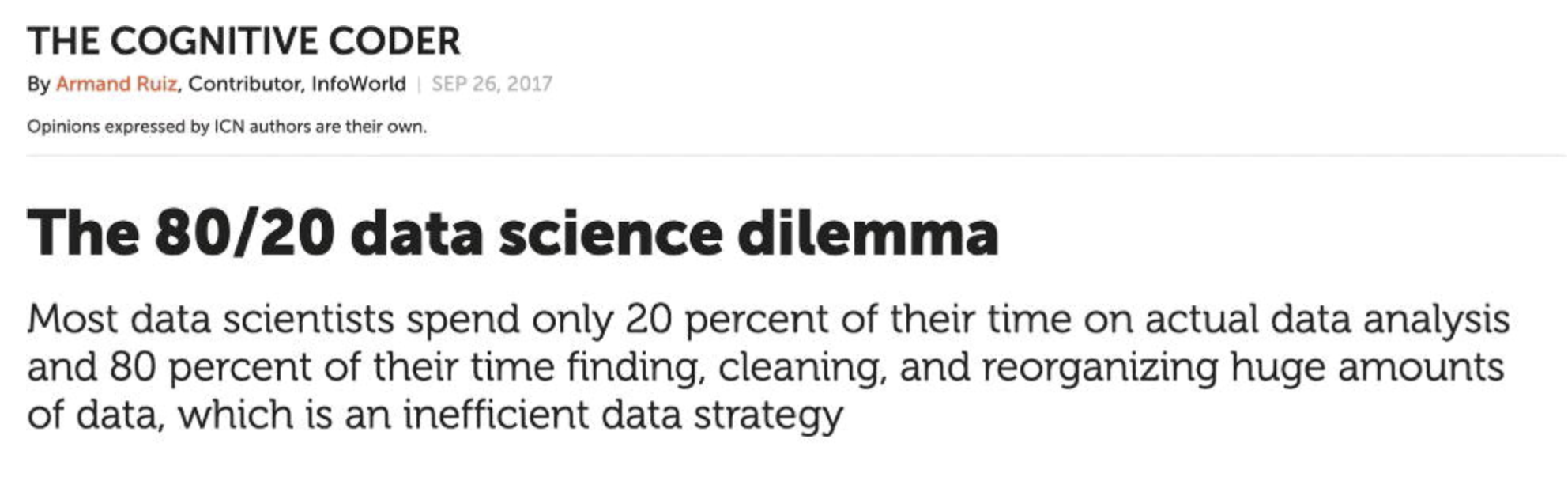
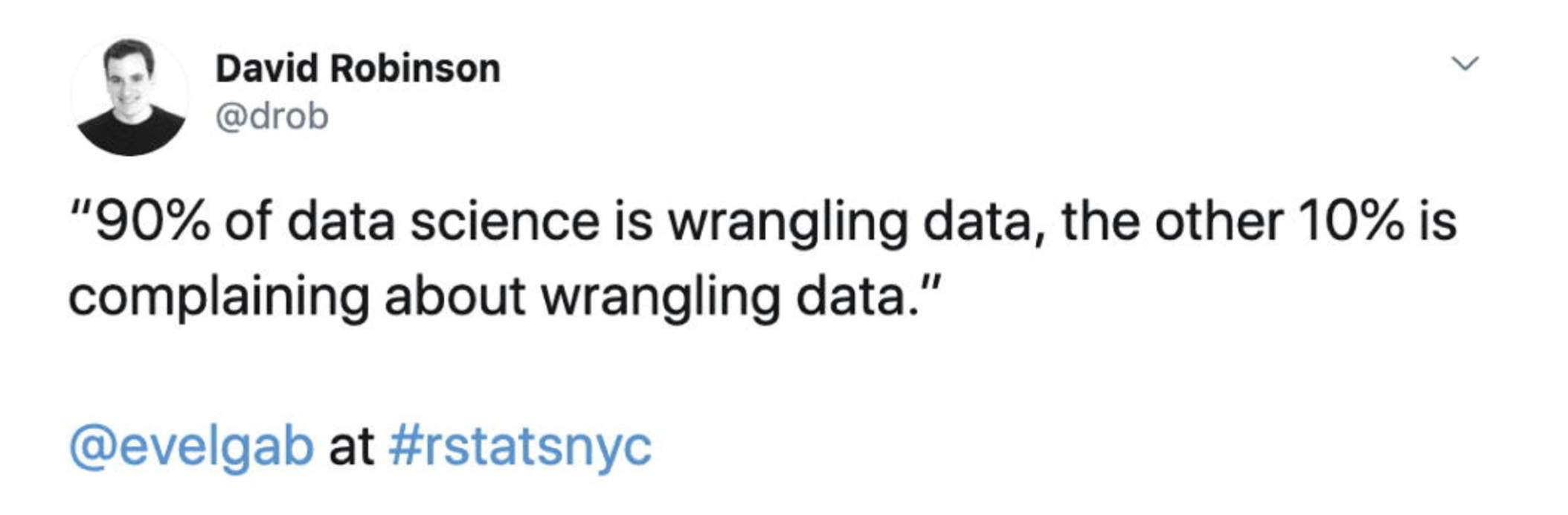
Scraped data will almost always need wrangling/cleaning
- Are numeric columns numeric?
- Are date columns dates?
- Are factor and string columns treated correctly?
What next?
-
Data we want to access isn’t always stored in tables
- Example: Carleton course search
More next class!